The Invoice Isn't the Problem. Everything Your Team Has to Do With It Is.
By Nathan Cole ·
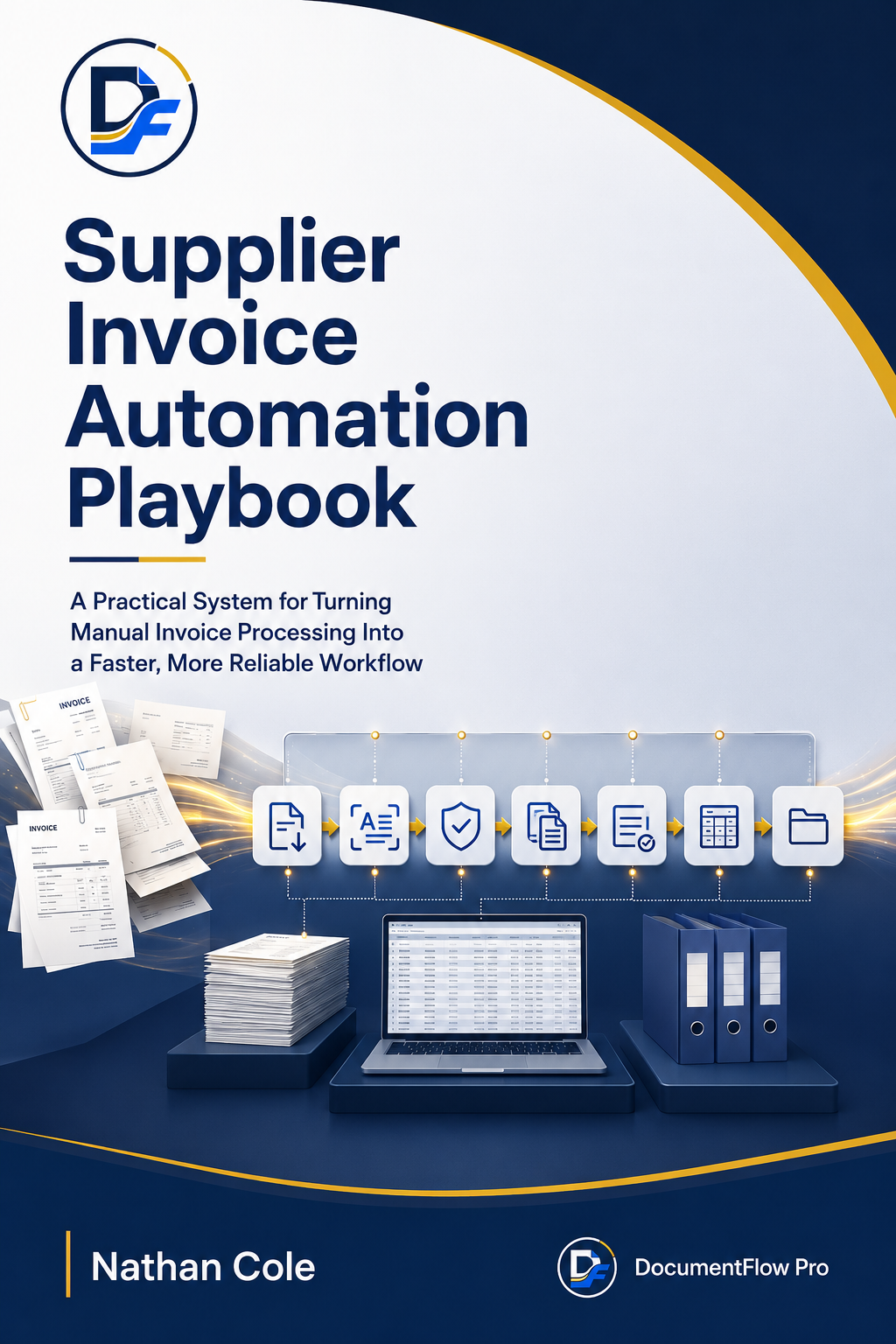
If your business processes supplier invoices manually, you probably know the pattern.
An invoice arrives.
Someone downloads it.
Someone opens it.
Someone copies information into a spreadsheet or accounting system.
Someone checks the supplier, amount, date or purchase order.
Someone sends it for approval.
Someone follows up.
Someone records it.
Then someone has to make sure the document is stored somewhere it can actually be found later.
And then the next invoice arrives.
And the next one.
And the next one.
The problem isn't simply that invoices are PDFs.
The problem is that a single document can trigger an entire chain of repetitive administrative work.
That is the problem DocumentFlow Pro is designed to help businesses solve.
Before You Buy Another Automation Tool, Look at the Workflow
A lot of businesses approach invoice automation by asking:
"Which software should we buy?"
I think there is a better question.
"What actually happens to an invoice from the moment it arrives until the moment it is completely processed?"
Because if that process isn't clear, buying another tool may simply give you a more complicated version of the same problem.
You may still have:
- manual data entry
- repeated checking
- approval delays
- missing information
- invoice mismatches
- document chasing
- inconsistent filing
- exceptions that nobody knows who should handle
The first step isn't automation.
The first step is understanding the workflow.
The Real Problem Is the Work Between the Documents
Think about what happens after an invoice arrives.
The document itself may take seconds to open.
But the work surrounding it can take much longer.
Someone has to identify the supplier.
Someone has to capture the relevant information.
Someone may have to compare it against a purchase order or other reference.
Someone may need to check the amount.
Someone needs to determine whether it should be approved.
Someone may need to chase the approver.
Someone records the information.
Someone files the invoice.
And when something doesn't match?
The process becomes even more manual.
This is where a large part of the real operational friction lives.
Why the Usual Fixes Don't Always Fix the Workflow
You could add another spreadsheet.
You could give the task to another administrator.
You could keep forwarding invoices through email.
Or you could jump straight into a large automation platform.
But each approach has a limitation.
A spreadsheet can organize information without necessarily fixing document movement.
Adding more people can spread the workload without fixing the process itself.
Email can move information around, but it can also make status and ownership harder to see.
And sophisticated automation platforms can be unnecessary if the underlying workflow hasn't first been understood and standardized.
There is another way.
Start With the Workflow. Then Automate the Right Parts.
This is the principle behind the Invoice-to-Workflow Method™ used by DocumentFlow Pro.
Instead of trying to automate everything, the process looks at the invoice journey in stages:
- 1Map
- 2Standardize
- 3Validate
- 4Route
- 5Automate
- 6Monitor
The predictable work can be standardized and, where appropriate, automated.
The exceptions can be routed to people.
The approval points can remain controlled.
And the business gets a clearer process instead of simply adding another piece of software.
Introducing the Supplier Invoice Automation Playbook
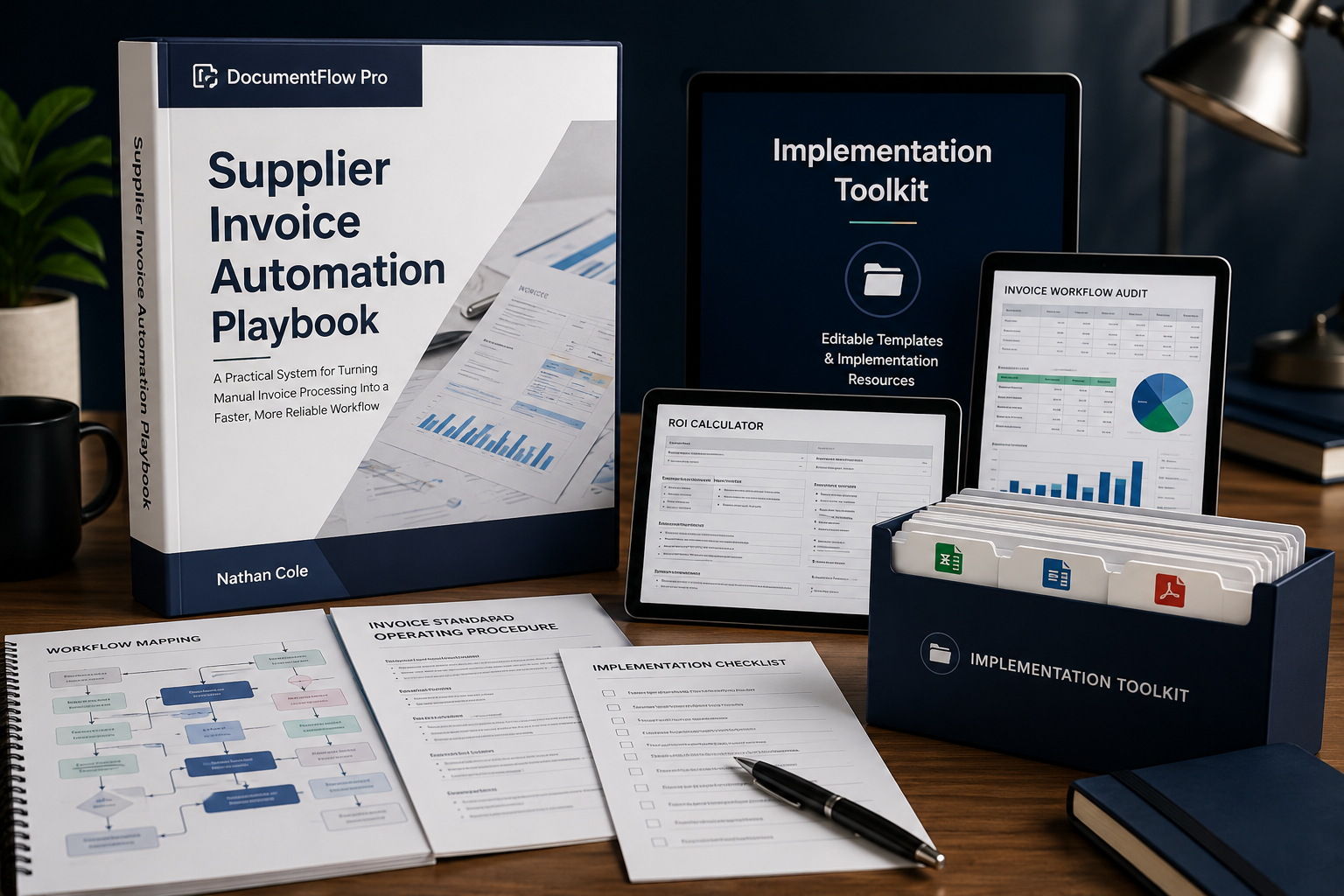
The Supplier Invoice Automation Playbook was created for businesses that want a practical way to understand and improve their supplier invoice workflow before getting buried in software decisions.
It walks through the process from identifying the current workflow to preparing it for improvement and automation.
It isn't a promise of "push a button and automate everything."
It is a practical framework for understanding:
- where the manual work happens
- which tasks repeat
- where errors can occur
- where delays are introduced
- which parts are suitable for standardization
- which parts may be suitable for automation
- where human review still makes sense
And You Don't Have to Start With a Blank Page
The Playbook comes with the Implementation Toolkit.
Instead of simply telling you:
"Create a workflow audit."
you get the actual working resource.
Instead of saying:
"Map your invoice fields."
you get the field-mapping template.
Instead of saying:
"Track exceptions."
you get the exception log.
The toolkit includes:
Invoice Workflow Audit
A working spreadsheet for documenting what happens at each stage of your current process.
ROI Calculator
A practical calculator for estimating the potential time and labour impact of improving the workflow using your own assumptions.
Invoice Field Mapping
A structured worksheet for identifying the information captured from invoices and where that information needs to go.
Supplier Tracker
A central place to document supplier-specific workflow considerations.
Exception Log
A practical way to record recurring invoice problems and identify patterns that may need to be addressed.
Automation Readiness Checklist
A checklist for determining whether a workflow is ready for automation or needs more process definition first.
Invoice SOP Template
A starting structure for documenting the invoice-processing procedure.
Workflow Mapping Template
A printable process-mapping resource for visualizing the invoice journey.
Implementation Checklist
A practical checklist covering preparation, configuration, testing, launch and review.
What Changes?
The goal isn't simply to have a nicer-looking invoice process.
The goal is to move from a workflow that depends heavily on repeated manual handling toward one that is:
- More structured.
- More visible.
- More consistent.
- Easier to review.
- Better prepared for automation.
And when automation is appropriate, the business has a clearer process to automate.
Who This Is For
The Playbook and Toolkit are designed for businesses that:
- process recurring supplier invoices
- rely heavily on email, spreadsheets or manual document handling
- have repetitive invoice-processing tasks
- experience approval delays
- deal with invoice exceptions or mismatches
- want to understand their workflow before investing in automation
- have an administrative, finance or operations team handling recurring invoices
Who It Isn't For
This isn't designed for someone looking for:
- a magic one-click automation system
- guaranteed 100% automation
- guaranteed savings
- guaranteed ROI
- accounting or bookkeeping services
- custom software development
- a replacement for professional financial controls
The goal is better workflow design and practical preparation for automation.
What You Get
Supplier Invoice Automation Playbook
A practical guide explaining how to examine, structure and improve the supplier invoice workflow.
Implementation Toolkit
Nine practical resources:
- Invoice Workflow Audit
- ROI Calculator
- Invoice Field Mapping
- Supplier Tracker
- Exception Log
- Automation Readiness Checklist
- Invoice SOP Template
- Workflow Mapping Template
- Implementation Checklist
Everything is delivered digitally.
A Simple Way to Think About the Offer
The Playbook teaches you what to look for and what to do.
The Toolkit gives you the working resources to do it.
And if you don't want to implement the process yourself, DocumentFlow Pro can help with that separately.
If You'd Rather Have the Workflow Implemented
The Playbook is not a done-for-you service.
If your business already knows that manual invoice processing is consuming too much time and you'd rather have someone help structure and implement the workflow, the next step is the Supplier Invoice Workflow Implementation service.
That service can involve:
- reviewing the current workflow
- mapping the invoice journey
- identifying bottlenecks
- defining invoice fields and rules
- designing exception handling
- structuring approval flows
- implementing the agreed workflow
- testing it
- documenting the process
- handing the workflow back to your team
The exact implementation depends on your existing systems and requirements.
What If Your Workflow Is More Complex?
Some businesses have multiple entities, higher invoice volumes, several systems or more complicated approval structures.
For those situations, DocumentFlow Pro can provide Custom Supplier Invoice Automation as a separate higher-value engagement.
This is not included with the Playbook or Toolkit.
It is a separate implementation service based on the business's actual workflow and technical requirements.
What About Ongoing Support?
Once an important workflow is operating, it may need ongoing attention.
Supplier requirements change.
Rules change.
Systems change.
Exceptions appear.
Workflows may need adjustments.
For suitable implementations, DocumentFlow Pro can provide Maintenance & Support as a separate recurring service.
Again, this is not included in the Playbook.
Common Questions
Start With the Workflow
You don't have to begin by buying another complicated system.
You can begin by understanding what actually happens to your invoices.
- Where does the document enter?
- Who touches it?
- What information gets copied?
- What gets checked?
- Where does approval happen?
- Where do delays occur?
- What happens when something doesn't match?
- What can be standardized?
- And what should remain with a human?
Those questions give you something much more valuable than another generic automation checklist:
a clearer picture of your actual workflow.
Get the Supplier Automation Bundle
Get the Supplier Invoice Automation Playbook + Implementation Toolkit and use the framework and practical resources to examine your supplier invoice workflow.
Introductory launch price
Regular price $39. Digital delivery.
Or, if you'd rather have the workflow assessed and implemented for you:
A Final Note
The goal isn't to automate for the sake of automation.
The goal is to make a repetitive business process easier to understand, easier to control and easier to improve.
Sometimes that means better documentation.
Sometimes it means standardization.
Sometimes it means automation.
And sometimes the best solution is a combination of all three.
Start with the workflow.
Then automate what actually makes sense.